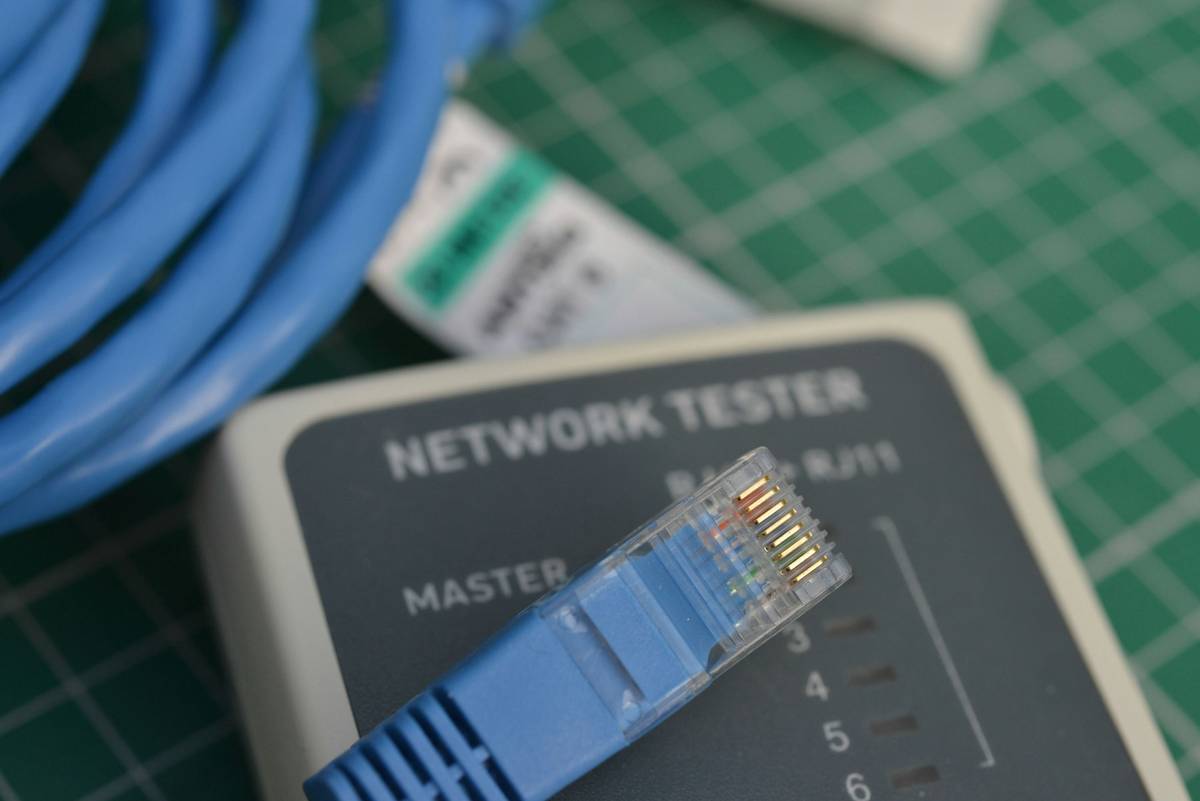
Ever lost an entire database because a server decided it was done working? Yeah, we’ve been there. It’s the digital equivalent of watching your house crumble while you’re holding the blueprint that says, “We thought of everything.” Spoiler alert: You didn’t. But don’t worry—this post will equip you with everything you need to ace your failure prevention test and keep your systems humming, even when chaos strikes.
Table of Contents
- Why Fault Tolerance Matters in Cybersecurity
- Step-by-Step Guide to Conducting a Failure Prevention Test
- Best Practices for Effective Fault Tolerance
- Real-World Examples of Fault Tolerance Success
- FAQs About Failure Prevention Testing
Key Takeaways
- Fault tolerance is critical for protecting data integrity and system uptime.
- A thorough failure prevention test identifies weak points before they cause disasters.
- Implement redundancy, monitoring, and recovery plans as part of your strategy.
- Regular testing ensures your systems are prepared for unexpected failures.
Why Fault Tolerance Matters in Cybersecurity
I once ignored a blinking warning light on my NAS device (network-attached storage). Rookie move. The next day, I had to explain to my boss why six months’ worth of project files were now toast. That sound—the deafening silence when your backup fails—is worse than nails on a chalkboard.
Fault tolerance isn’t just tech jargon; it’s your lifeline. In cybersecurity and data management, fault tolerance means designing systems to operate correctly, even if components fail. And let’s not kid ourselves—it’s not IF something fails but WHEN. A solid failure prevention test ensures your systems can handle those inevitable hiccups without crumbling like a poorly baked soufflé.
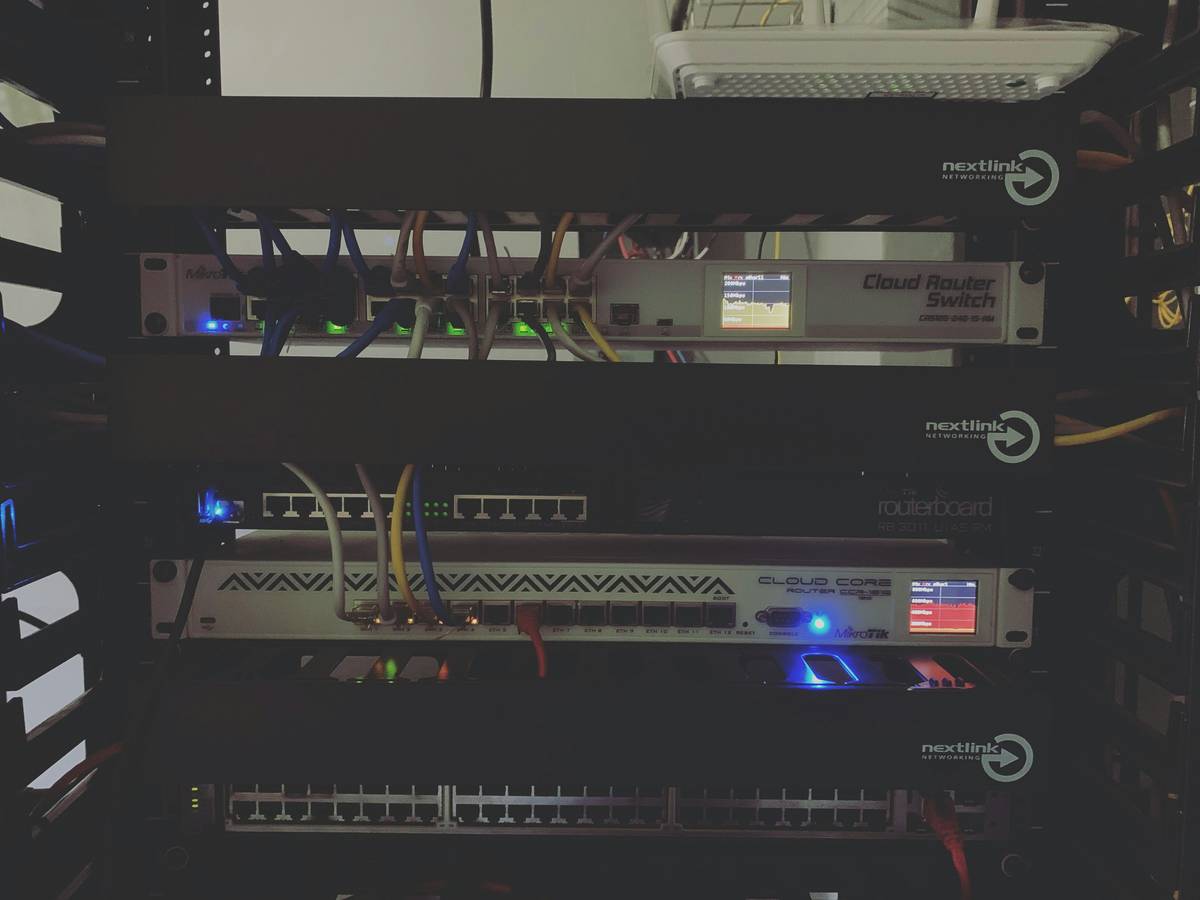
The Grumpy Optimist Dialogue:
Optimist You: “It’s fine! We’ve got backups!”
Grumpy You: “Yeah, until the backups decide to ghost us too.”
Step-by-Step Guide to Conducting a Failure Prevention Test
Step 1: Map Out Your System Architecture
Draw a flowchart or diagram of your entire system. What connects to what? Where are the single points of failure? This visual map is your cheat sheet for identifying vulnerabilities.
Step 2: Simulate Component Failures
Pull out one component at a time—whether it’s a server, switch, or application—and observe how the rest of the system behaves. Does it gracefully degrade, or does it completely crash?
Step 3: Stress Test Under Maximum Load
Ramp up usage to simulate peak conditions. Can your system still function under pressure? If not, it’s back to the drawing board.
Step 4: Analyze Recovery Times
Measure how quickly your system recovers from simulated failures. Faster recovery equals less downtime, which means happier users and fewer headaches for you.
Best Practices for Effective Fault Tolerance
- Redundancy Rules: Always have duplicate hardware, software, and processes. Chef’s kiss for reliability!
- Automate Monitoring: Use tools like Nagios or Datadog to catch issues early. No manual babysitting required.
- Data Replication: Keep multiple copies of your data across geographically distributed locations.
- Terrible Tip Alert: Don’t rely solely on RAID arrays. They’re great—but not infallible. Combine them with other strategies.
- Document Everything: Create detailed runbooks for handling failures. Future-you will thank present-you.
Real-World Examples of Fault Tolerance Success
Case Study 1: NASA’s Mars Rover
NASA’s rovers operate millions of miles away from Earth, yet they’ve survived years beyond their expected lifespan thanks to robust fault tolerance mechanisms. Their secret sauce? Modular designs and redundant systems ensure mission success despite harsh Martian conditions.
Case Study 2: Netflix Simian Army
The streaming giant uses chaos engineering tools like Chaos Monkey to deliberately disrupt its services and test resilience. By constantly running “failure prevention tests,” Netflix ensures smooth streaming—even during peak hours.
FAQs About Failure Prevention Testing
What exactly is a failure prevention test?
A failure prevention test involves deliberately inducing system failures to identify weaknesses and improve fault tolerance. Think of it as a fire drill for your IT infrastructure.
How often should I conduct these tests?
Quarterly is ideal, but monthly sessions might be necessary for high-stakes environments like finance or healthcare.
Can small businesses afford fault tolerance measures?
Absolutely! Cloud services like AWS and Azure offer scalable solutions tailored to any budget size.
Conclusion
In today’s hyper-connected world, fault tolerance isn’t optional—it’s essential. By implementing regular failure prevention tests, adopting best practices, and learning from real-world examples, you’ll fortify your systems against even the most unpredictable failures.
Remember, no matter how flawless your plan seems, Murphy’s Law always lurks nearby. Be prepared, stay vigilant, and never underestimate the power of redundancy.
Like a Tamagotchi, your cybersecurity needs daily care—or else it dies a tragic death.